
How-to Guides
How to Configure Navigation and Category Entrances
Navigation decides where people go; categories decide how content is grouped. Preview first, pick common entries, then customize paths when needed.
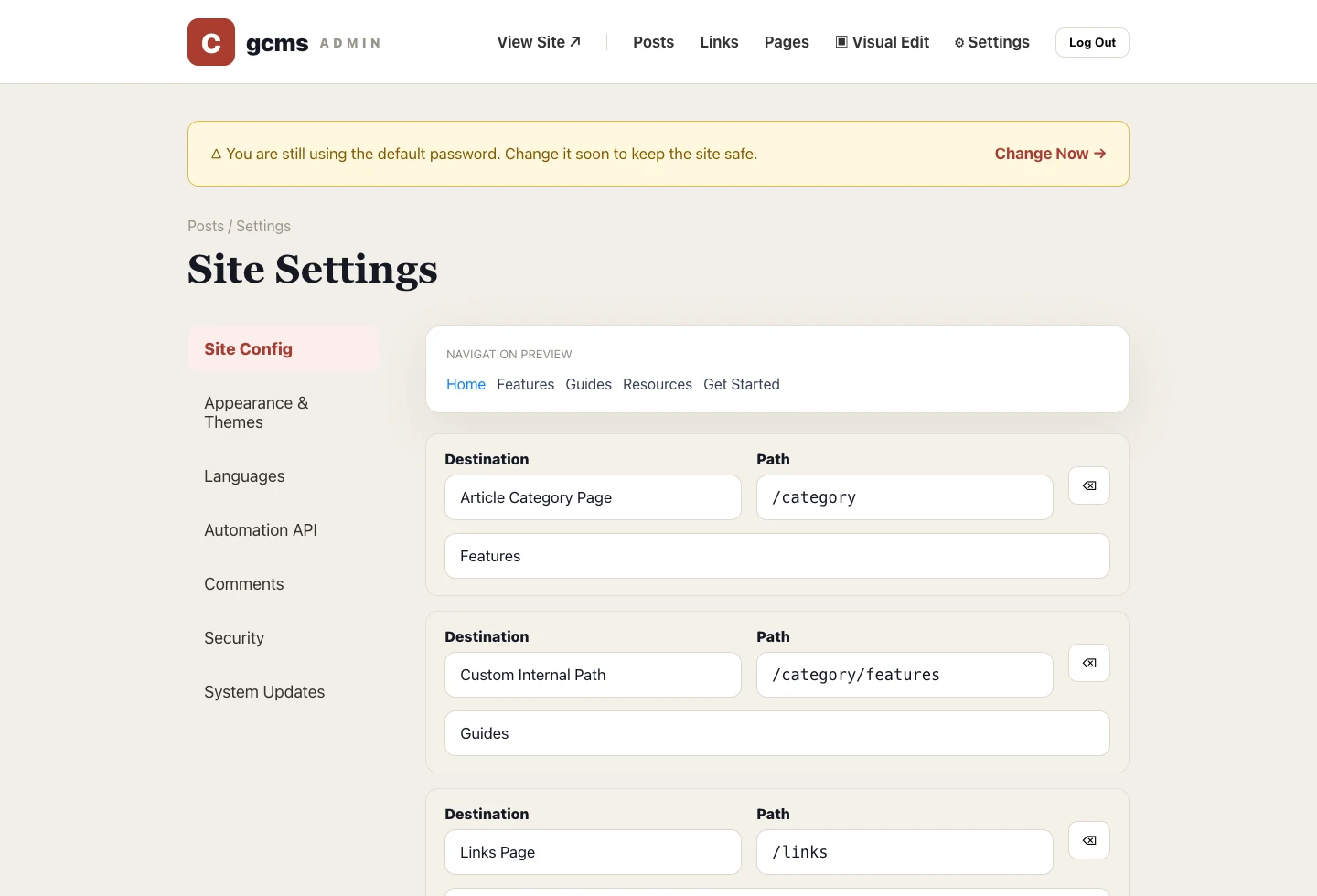
A content site usually becomes confusing not because it lacks articles, but because readers do not know where to go next. gcms keeps navigation and category entrances in one site-configuration flow: preview first, then configure.
Navigation decides the top-level paths
Go to Settings → Site Configuration → Navigation Menu. The preview updates in the order you set. Choose home, article categories, links, pages, custom internal paths or external links.
Menu text is per language
If Chinese and English are enabled, the same item can have separate labels per language. The path is shared; the label changes by locale.
Drag important items forward
Use the left handle to reorder. A product site usually works well with Home, Features or Guides, Resources and Get Started. A docs site may place Guides or Docs earlier.
Category entrances name the list pages
Category Entrance lets you configure the all-posts and all-links pages: title, description, button label and slug. The main navigation category item should point to this all-category entrance, not to a single category.
A practical rule
Do not overload the top navigation. Keep 4 to 6 high-frequency entries there, and let the footer, article links and resource pages carry the rest.