
Getting Started
Launch a Real Content Site in 5 Minutes
Download, run, open the admin. The database, templates, SEO, i18n and themes are already there; put it behind your domain and ship.
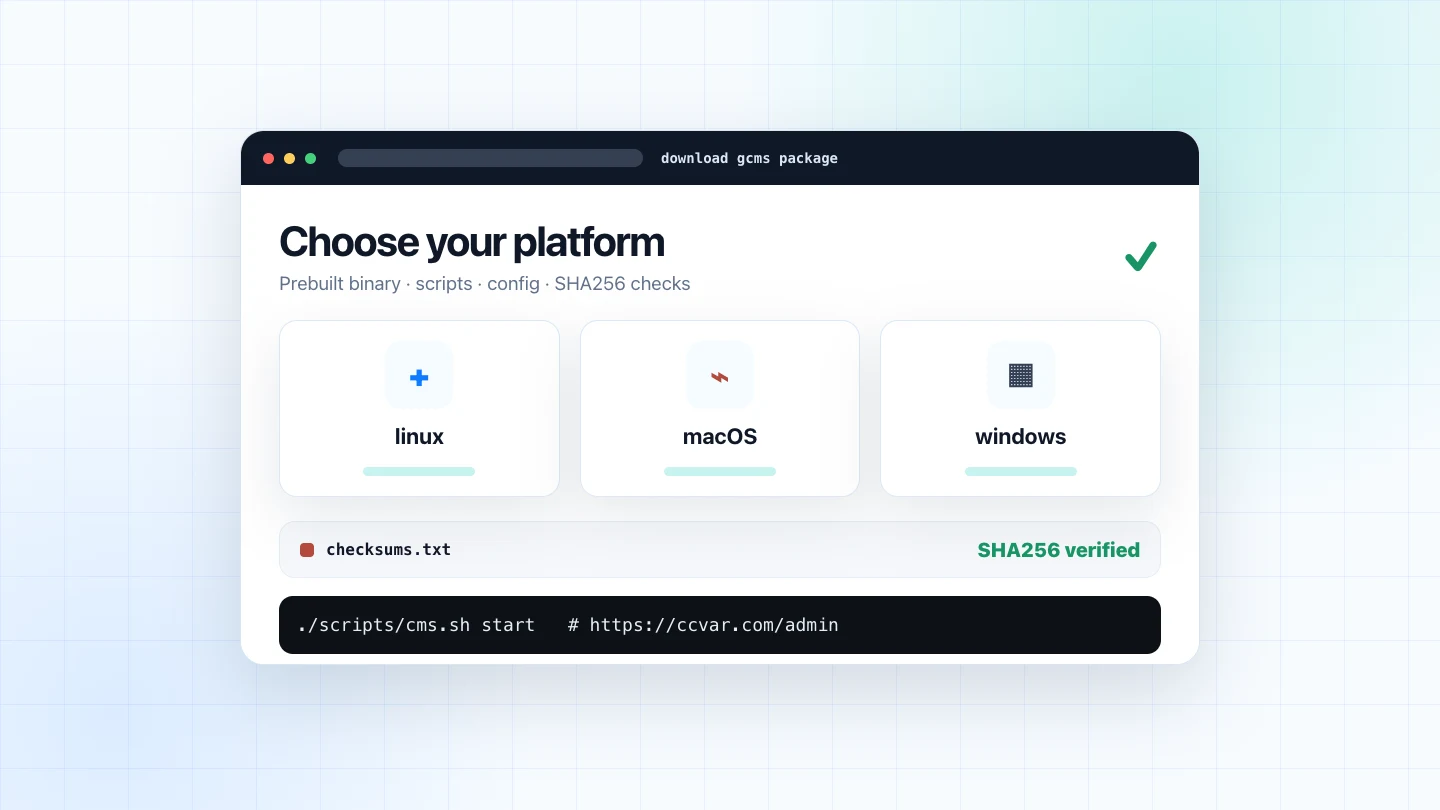
The site you're reading is a gcms instance. Not a static mockup, not a front-end demo: a real site running from one static binary plus one SQLite database file. First deployment is three steps.
Step 1 · Get the binary
Grab the package for your platform from the releases page (linux / macOS / windows, amd64 / arm64) and unpack it. Inside is a prebuilt bin/cms, start/stop scripts and a default config — no Go and no front-end build chain required on the server.
To install directly on a fresh machine, it's one line:
curl -fsSL https://raw.githubusercontent.com/ccvar/gcms-releases/main/install.sh \
  | sh
Step 2 · Run
./bin/cms
# Or run it in the background:
./scripts/cms.sh start
# → http://localhost:8080   admin at /admin
On first launch it creates the database, writes demo content, and prints the default admin credentials (admin / admin123). Change them first thing under Settings → Security — a banner keeps nagging until you do.
Step 3 · Go live
In production, bind gcms to loopback and let Caddy handle HTTPS, compression and HTTP/3. Use your real domain for BASE_URL, for example https://ccvar.com:
ADDR=127.0.0.1:8080 \
BASE_URL=https://ccvar.com \
./scripts/cms.sh start
ccvar.com {
    encode zstd gzip
    reverse_proxy 127.0.0.1:8080
}
caddy run, certificate issued automatically. Done.
What's already done for you
- SEO-native: server-rendered pages with canonical,
hreflang, Open Graph,sitemap.xml, RSS and JSON-LD; - Multilingual: URL-prefix routing (
/zh/…,/en/…), per-language content, automatic hreflang alternates; - 19 themes, switchable from the admin, with per-theme accent and radius tweaks;
- Dual-mode editor: Markdown ⇄ WYSIWYG, paste images, insert tables, drag blocks;
- Link showcase, code injection, social footer, custom nav, in-app updates…
Environment requirements
gcms has a lightweight runtime shape, so a small VPS is enough for a product site or documentation hub:
- CPU: 1 vCPU is enough to start and run normal content workloads;
- Memory: a 512MB machine can deploy it; scale up only when content volume or traffic requires it;
- Disk: the package is small; growth mostly comes from the SQLite database, uploads and logs;
- OS: prebuilt packages exist for linux, macOS and Windows, with amd64 / arm64 variants;
- Public entry: in production, let Caddy listen on 80/443 while gcms binds to
127.0.0.1:8080.
In other words, you do not need a database cluster, cache layer, front-end build chain or process orchestra before shipping. You need a small machine that can run one binary, and a content plan worth maintaining.
Where it fits
gcms fits sites where content matters but maintenance should stay light: product sites, open-source project sites, technical docs, course material, resource directories, independent blogs and small-team knowledge bases. It is not a large collaboration suite; it is a stable, SEO-friendly, easy-to-move content entry point.
Keep the complexity at compile time, keep it simple at runtime.
Why it's this simple
Two singulars: Go's embed.FS welds templates and assets into one binary, and SQLite collapses the database into one file. No separate database process, no frontend build chain, no runtime dependencies. Backup is copying that .db; migration is scp-ing one file.
Five minutes, and you own a content site that's entirely yours, fully indexable, and good-looking enough to ship.