
Ops & Automation
Self-Hosted, Upgraded Like an App
The admin checks for a new version, downloads the right package, verifies SHA256, swaps and restarts. Source can stay private; users get public releases.
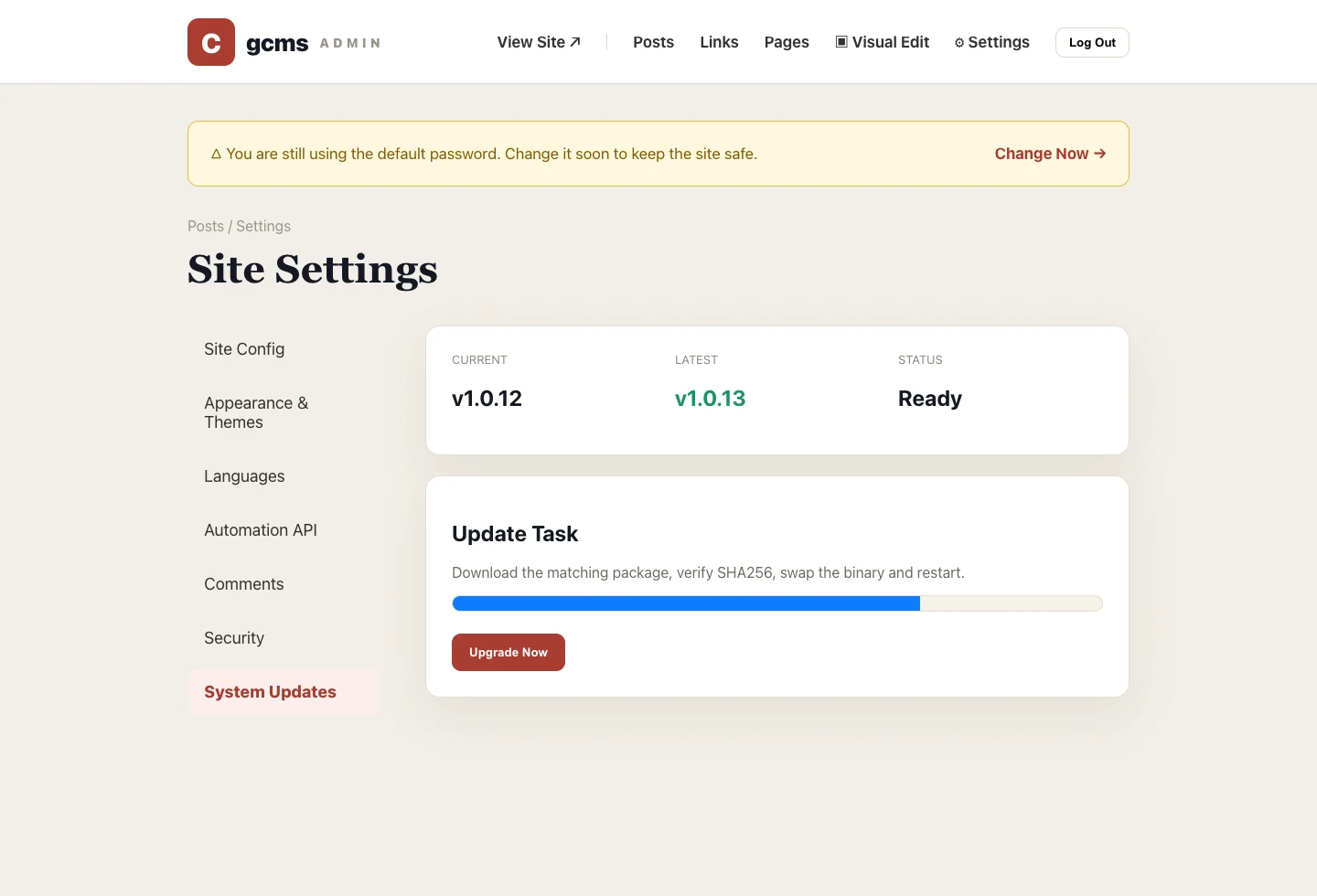
The danger of self-hosting is the 'install it and forget it' trap. gcms builds upgrading into the admin, so maintenance no longer means SSH-ing in to run commands.
Automatic checks
Settings → System Updates compares a public release manifest (manifest.json) and tells you whether there's a new version and what changed. Your source repo can stay private while the release repo is public — independent of each other.
One-click upgrade
Confirm, and it downloads the right platform package, verifies the SHA256, replaces the binary and restarts — all in the browser. The checksum guarantees a complete download; you'll never install half a file.
Always in control
The release repo is public and auditable, so you always know which version you upgraded to and from which release. Prefer caution? Keep replacing packages by hand — in-app update is just the easier path.
Before you upgrade
Check two things first: your database file is backed up, and the current runtime directory follows the standard release layout. Then even if an upgrade is interrupted, you can return to the previous version with the old binary and database backup. The goal is not magic; it is predictable maintenance.
Self-hosting can be as low-maintenance as using an app.